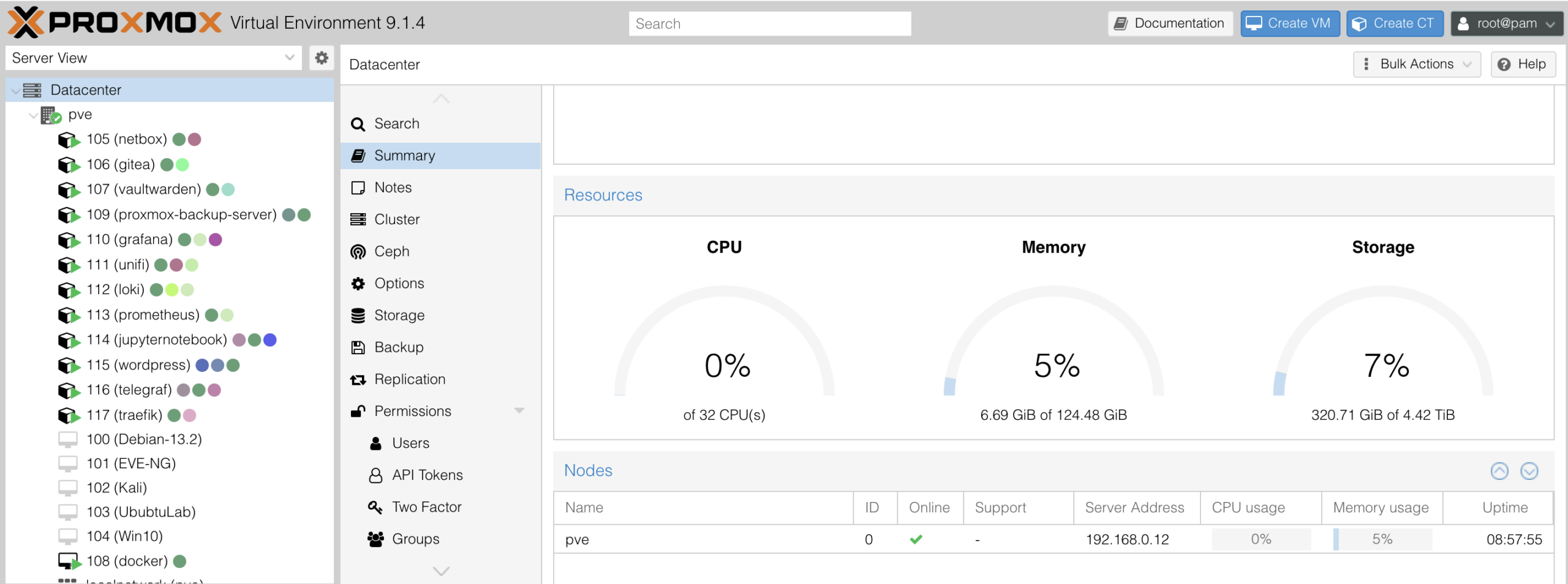
I have no idea why I decided to spend X-MAS break upgrading the home lab network, but in hindsight it was a bad decision, but at least it’s all done and working.
After spending a week redesigning and configuring the new network infrastructure, it was time to do some documentation. My home lab is getting much too complex to try to remember how everything is setup, so here is my first attempt at documentation.
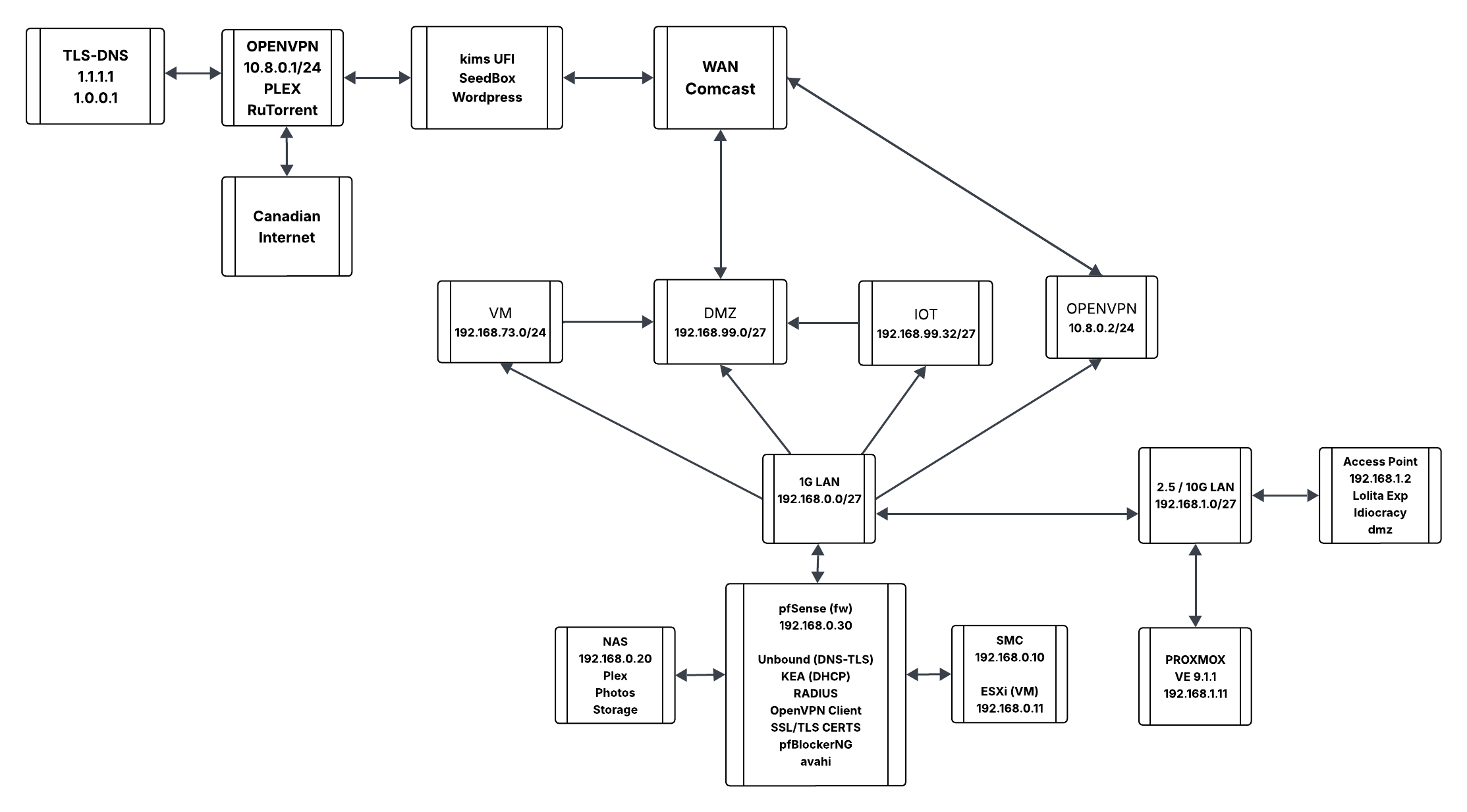
Logical Layout
Here is an idea of how my network is laid out and some of the infrastructure services I’m running. I have not went down the path of trying to document all of my Virtual machines and Docker containers but I’m sure I will get to that at some point.
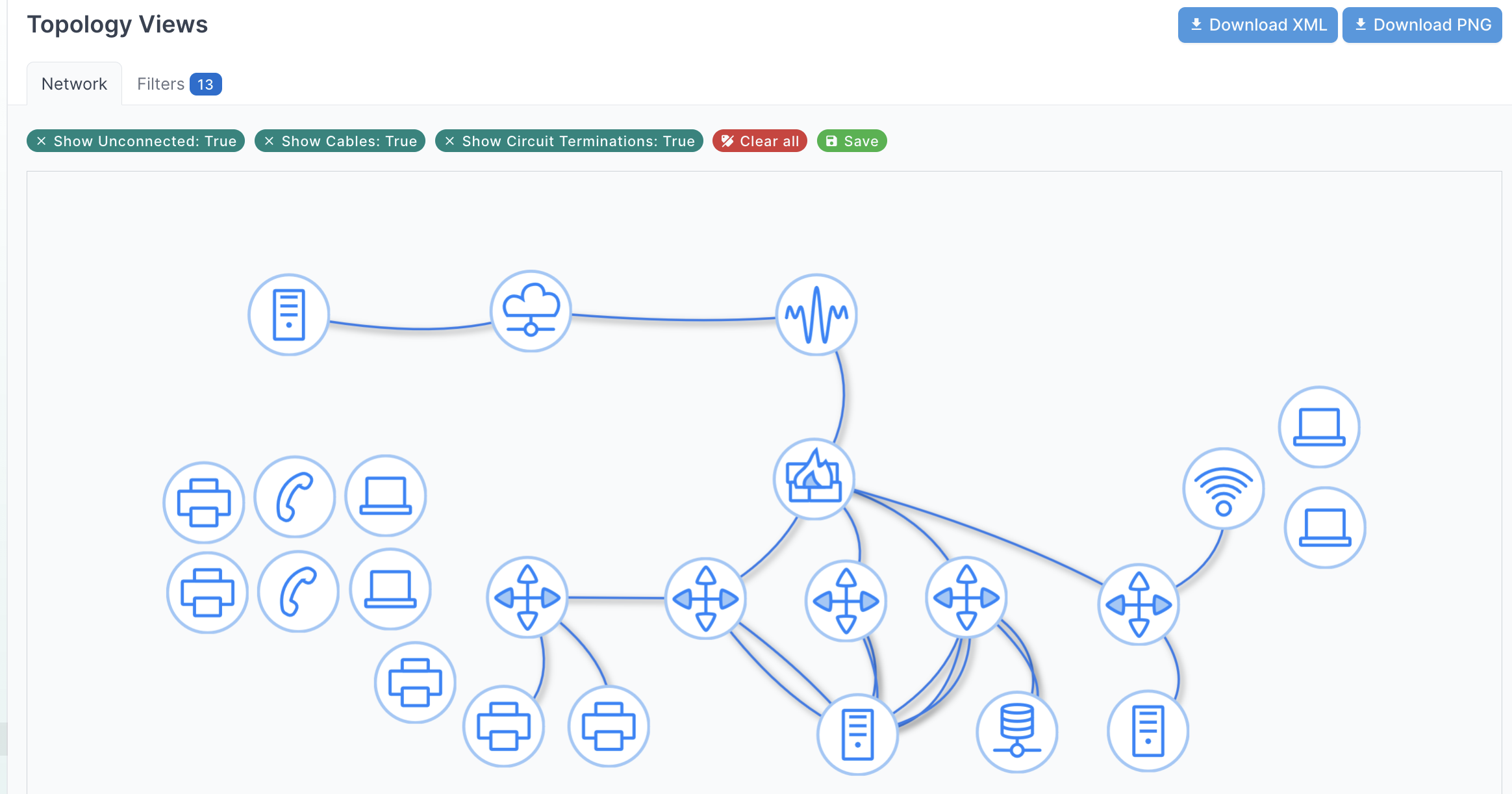
Physical Layout
I’m documenting my home network using NetBox and this is the community plugin called topology-views. It’s an amazing plugin that provides real time network diagrams that are interactive. For instance, when I hover over a device, I get the details for it. Moreover, when I click on a device on the topology, it brings me to the actual device in Netbox.
NetBox Data
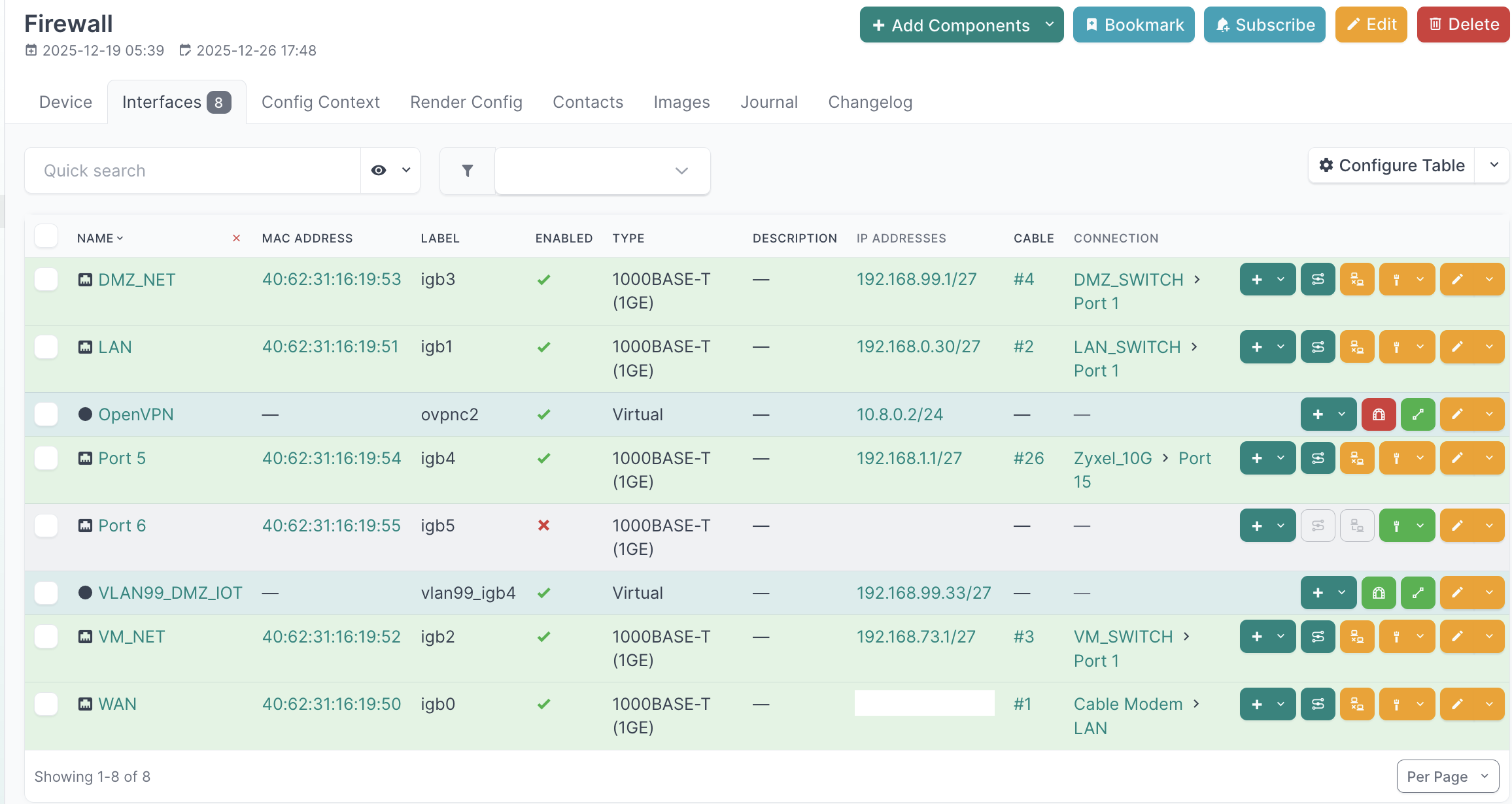
These are the Firewall Interfaces from the topology above that shows some of the details.
DHCP Server (KEA)
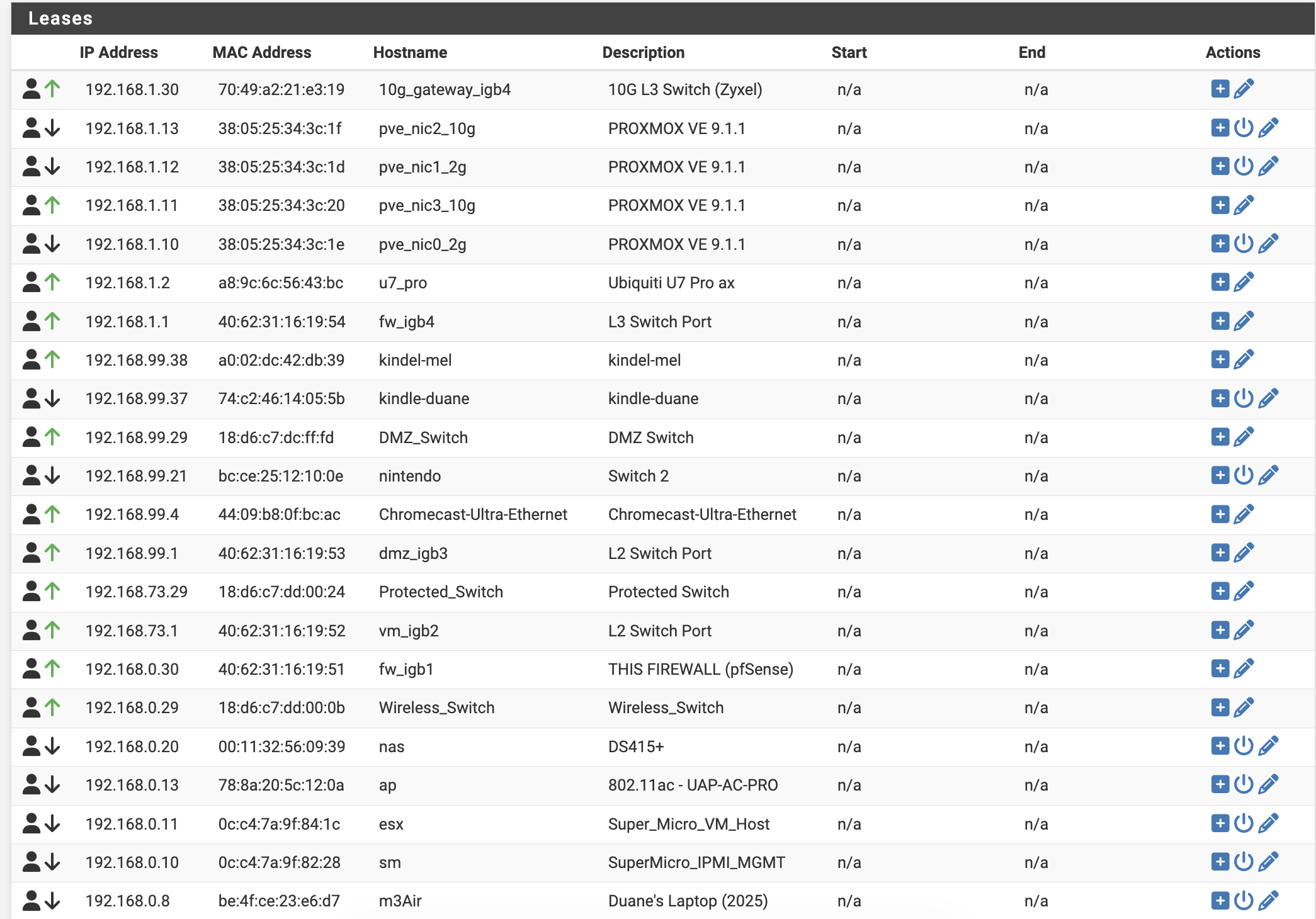
Static DHCP Leases for all of the lab infrastructure and a few of the home devices. I’ve still got some devices pulling normal DHCP but I’ll get to those at some point to have a full list of every single mac address on the network!